Quickstart
Two minutes to a permission-aware search.
Nothing here is a toy path: these are the released images, the real console, the real MCP transport. The commands below are quoted from docs/quickstart.md — the same block the core's CI executes on every pull request — and this page fails its own build the day they drift.
You will need Docker with Compose v2 and about 8 GB of RAM. On an M-series Mac everything runs native except the demo's small embedder, which runs emulated — it works, and takes noticeably longer than the same command on x86-64.
Start it
git clone https://github.com/nacre-work/nacre && cd nacre
cp .env.example .env
docker compose -f docker-compose.yml -f docker-compose.images.yml pull
docker compose -f docker-compose.yml -f docker-compose.images.yml --profile demo up -d
docker compose --profile demo logs -f demo-seed
The seed brings its own embedder, indexes an example corpus, and creates three people whose grants differ — then prints their passwords, because this API generates credentials and refuses to accept one. Watch the log: the last thing it prints is a card with all three logins.
Sign in
The console is at http://localhost:8082. Sign in as each of the
three people from the seed's card and ask the same question:
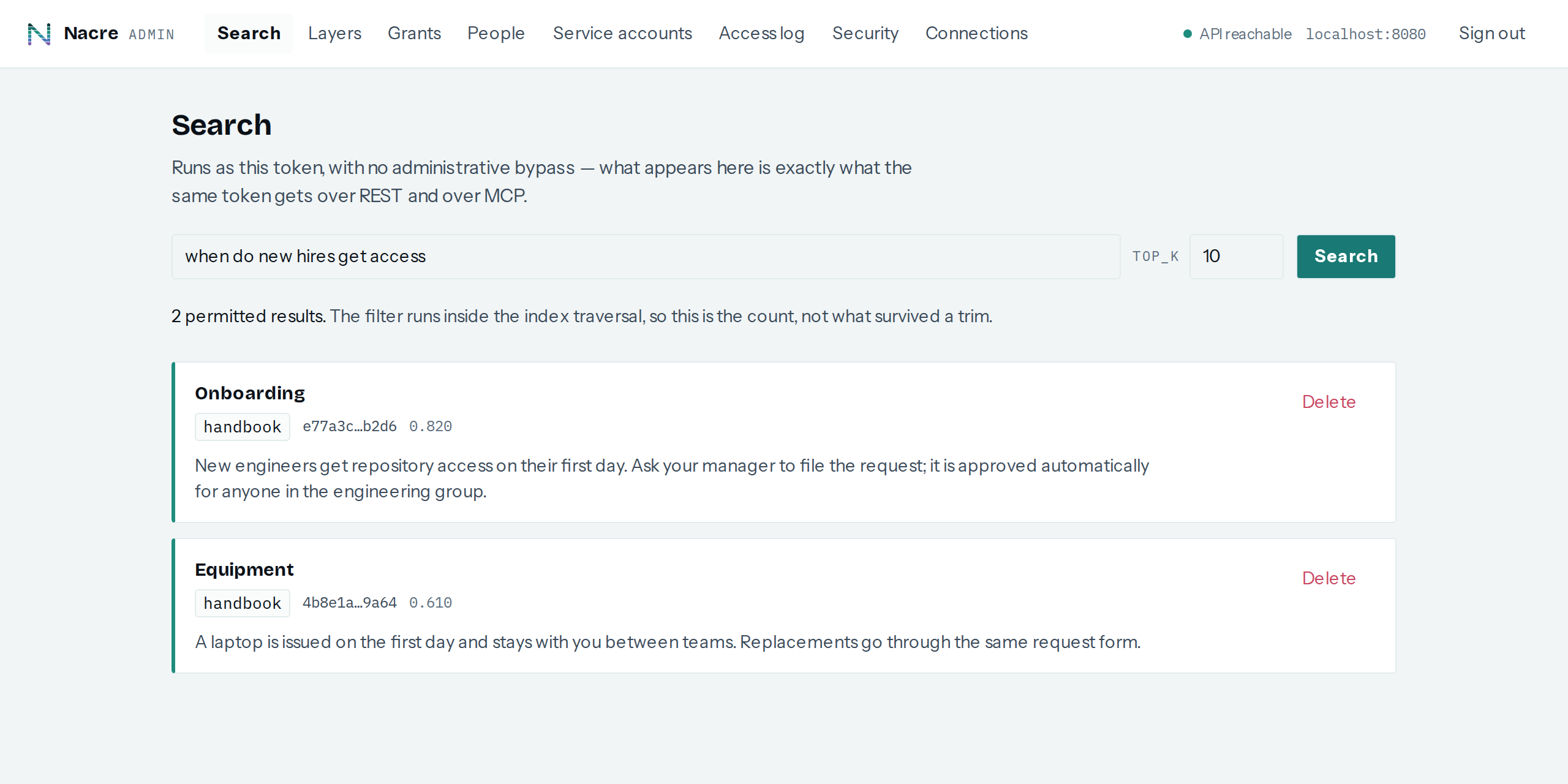
what is the contract number for Northwind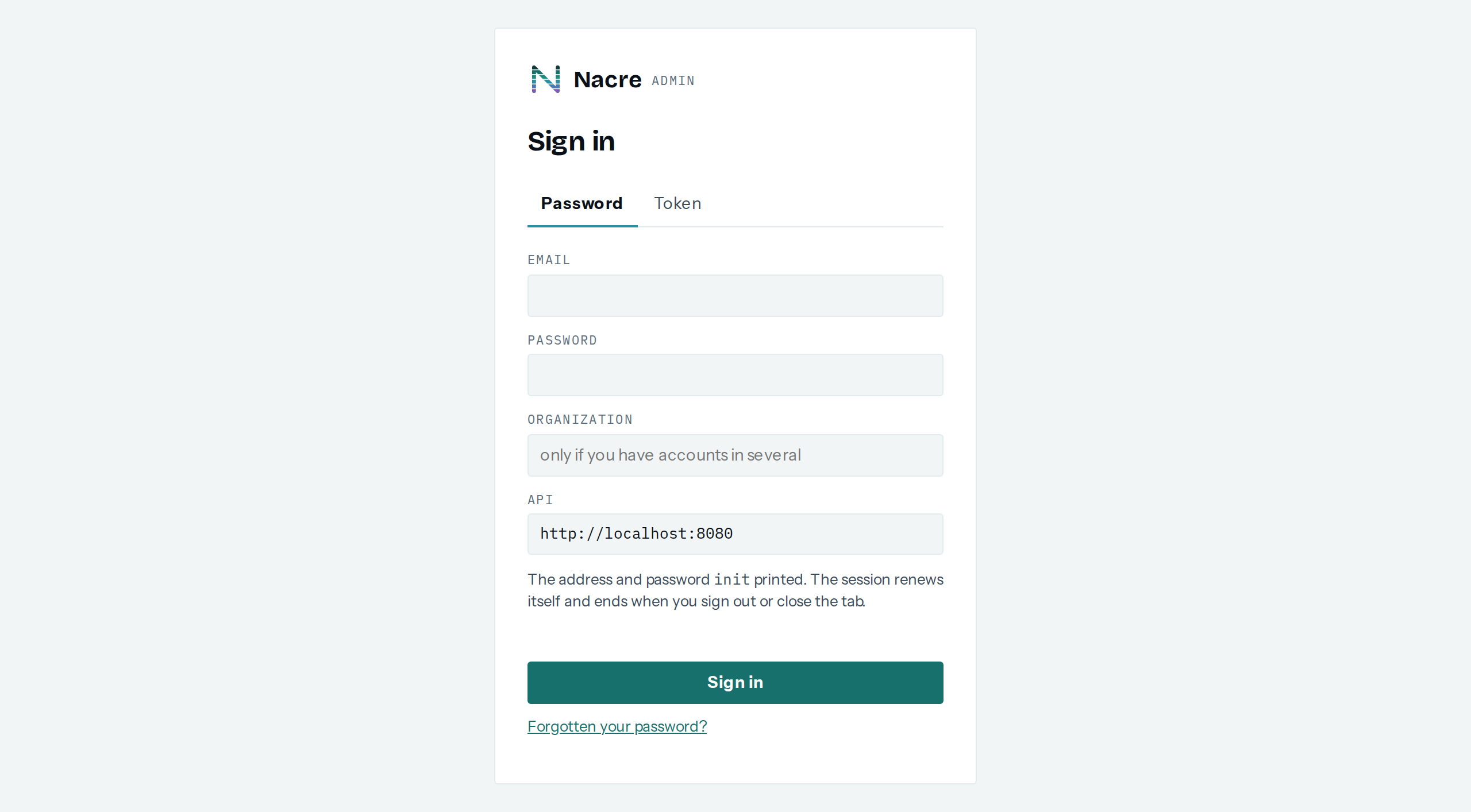
The administrator finds NW-2026-0431. The engineer and the
contractor find nothing — not a shorter list, nothing. The permission
filter runs inside the index traversal, so for them the query never reached the
document. That is the whole product in one query.
Look around
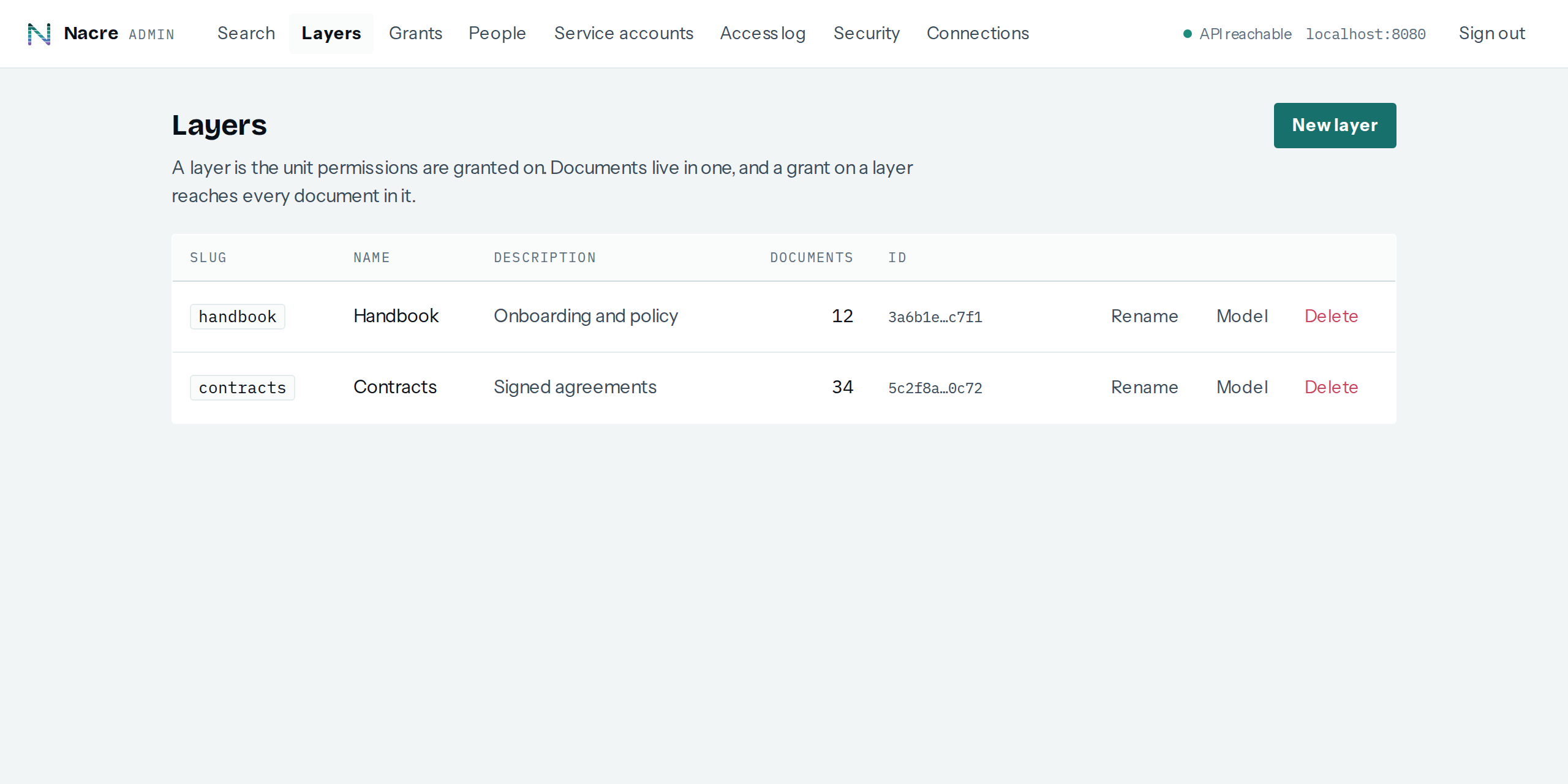
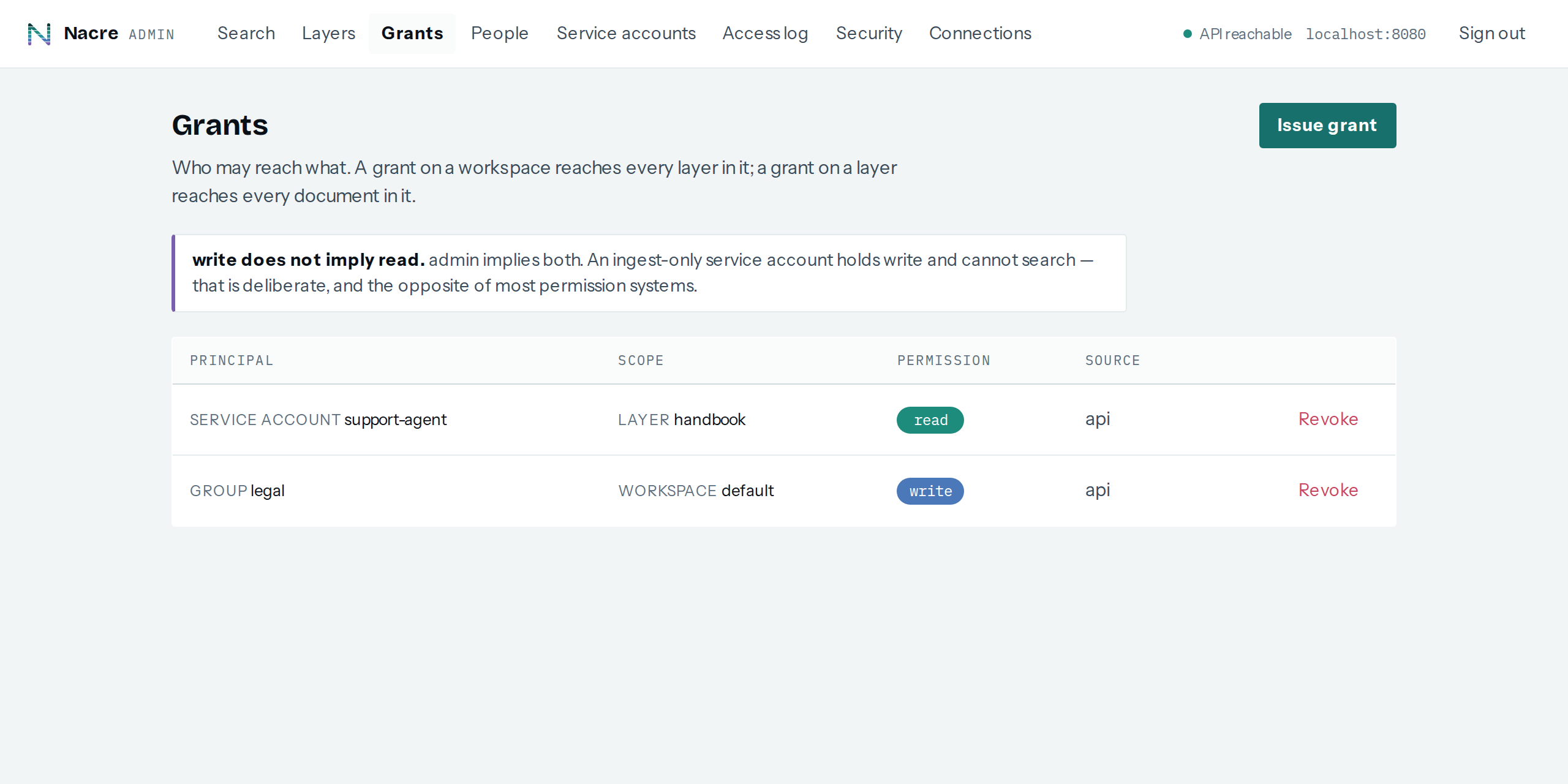
The dashboard is not a viewer over a config file — layers, grants, people, service accounts, the access log and ingest status are all administered here.
Connect an agent, or your code
MCP is already listening on the same origin: point any client that speaks
Streamable HTTP at http://localhost:8082/mcp. An unauthenticated
request answers 401 with the standard discovery pointer, and a signed-in
token works as a bearer straight away — six tools, from search to
ingest_document, each resolving the caller's own permissions.
For anything unattended, mint a service account instead of reusing a person's token:
curl -X POST http://localhost:8082/v1/service-accounts \
  -H "Authorization: Bearer $NACRE_TOKEN" \
  -H "Content-Type: application/json" \
  -d '{ "name": "local-agent" }'
The REST API is the other door into the same authorization service:
/v1 on the same origin, with
an OpenAPI
contract the TypeScript SDK covers operation for operation. A new service
account can reach nothing until you grant it something — there is no
developer-convenience relaxation, and there will not be one.
Reset, or carry on
Throw the whole thing away with
docker compose --profile demo down -v. When you want your own
documents, your own embedder and a token that outlives an hour, the
full
quickstart carries on from here — the first organization, layers, grants,
ingest and search from the command line, and the one thing to get right before
production.